

At a glance
- Every workspace with Email Marketing has one main marketing address. It needs no add-on.
- It sends through your own sending service, connected in step 1 of Email settings.
- It starts at 20 emails a day and grows each day to the limit you set - 500 a day is reached in about 16 days.
- If it cannot send - not set up, records missing or paused - campaigns on it pause with the reason, journey emails wait to be tried again, and nothing goes out from another address instead.
Before you start
- Who does it
- A workspace admin.
- Where it is
- Admin, then Email settings, Marketing domains. The main address is the first card.
- What you need
- A sending service connected in step 1 (Resend, Brevo, Postmark, SendGrid, Mailgun or Amazon SES - not a mailbox service), a domain you own and a sign-in at its DNS host.
Choose the domain
Use a part of your domain kept for campaigns, like news.yourcompany.com, or a domain of its own, like yourcompany.co. Mail servers judge each domain by how its email is received, so keep it apart from the domain your quotes, invoices and replies come from.
Tip
A domain can be in only one Moirova workspace. A domain that is already one of your extra marketing domains cannot also be the main address - remove it there first.
Set it up
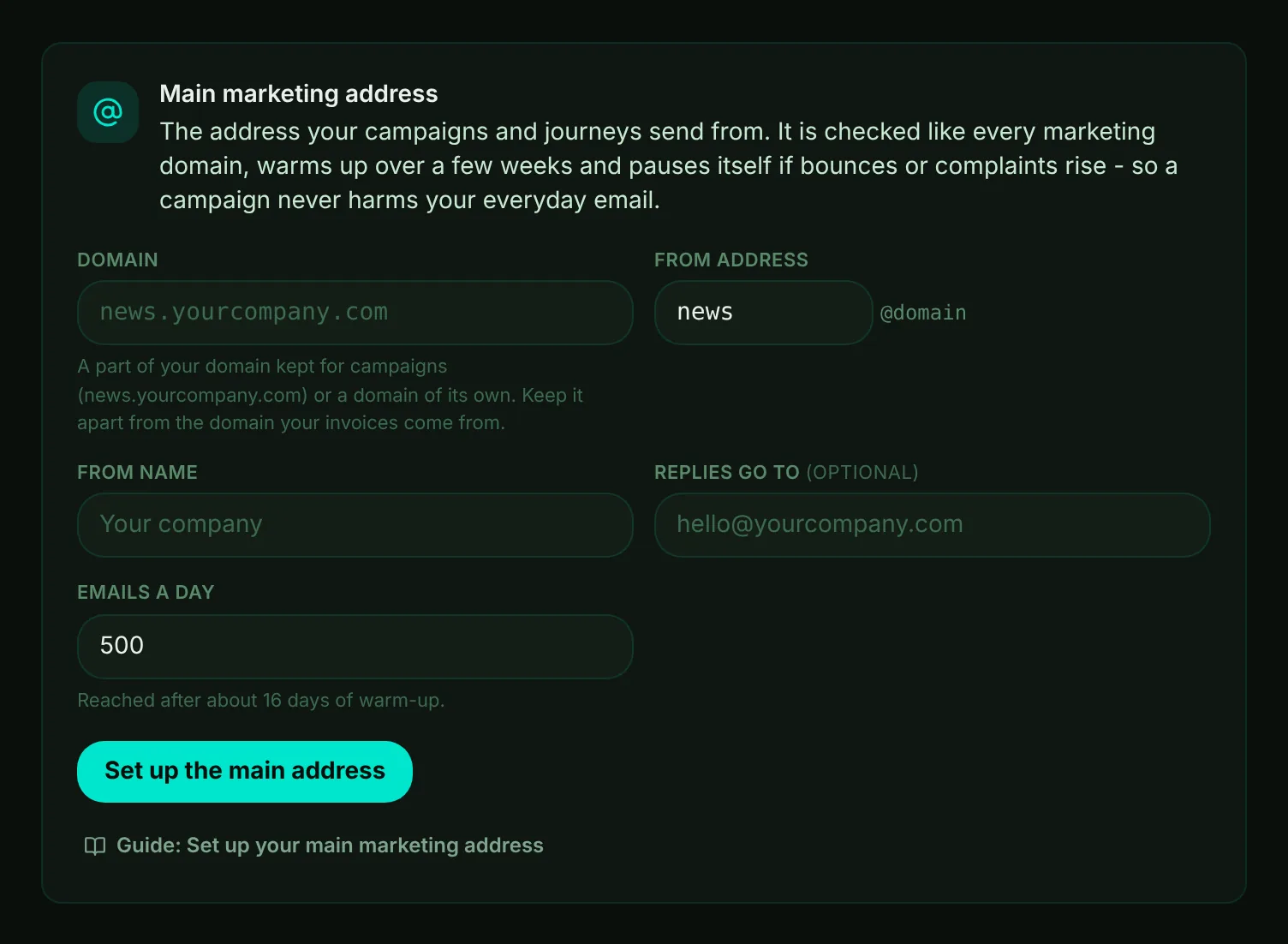
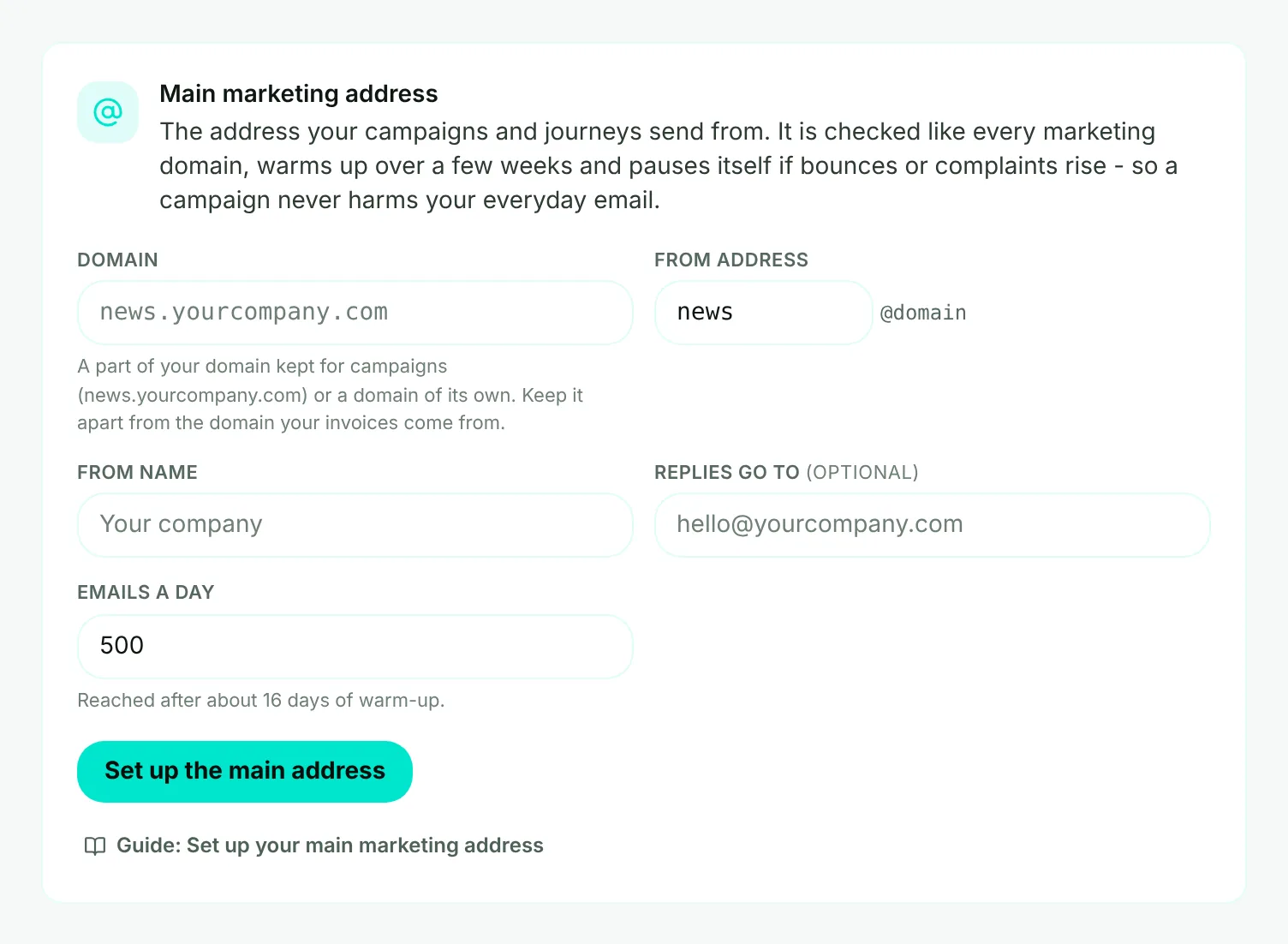
- Mark 1: Domain - the domain your campaigns send from.
- Mark 2: From address - the part before the @, like news or hello.
- Mark 3: From name - what people see in their inbox, usually your company's name.
- Mark 4: Replies go to - optional. Where replies to a campaign go, like hello@yourcompany.com.
- Mark 5: Emails a day - the most it sends in a day once warmed up (500 by default, from 10 to 5,000).
- Mark 6: Set up the main address - Moirova adds the domain at your sending service where it can, and shows the records to add.
- Fill in the form and choose Set up the main address. For Resend, Brevo and Mailgun, Moirova adds the domain at your service and shows its records. For Postmark, SendGrid and Amazon SES, add the domain in your service first; Moirova then shows the records to check.
- Copy the records to your DNS host. Use the Copy buttons next to each name and value.
- Choose Check records. Each record shows Found in DNS, Not found in DNS yet, or Found, but the value is different. Once every one is in place, the address is ready and in use.
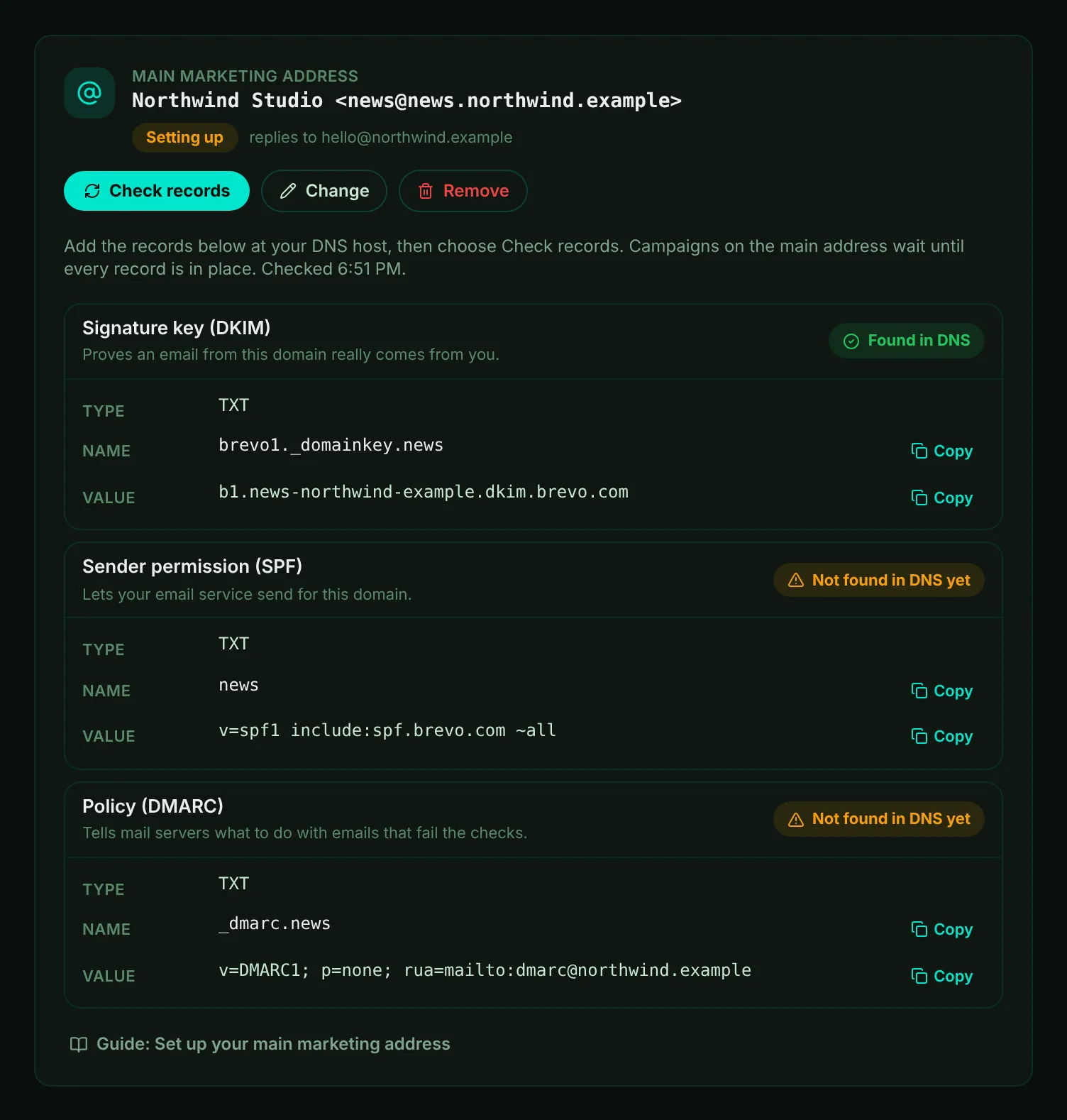
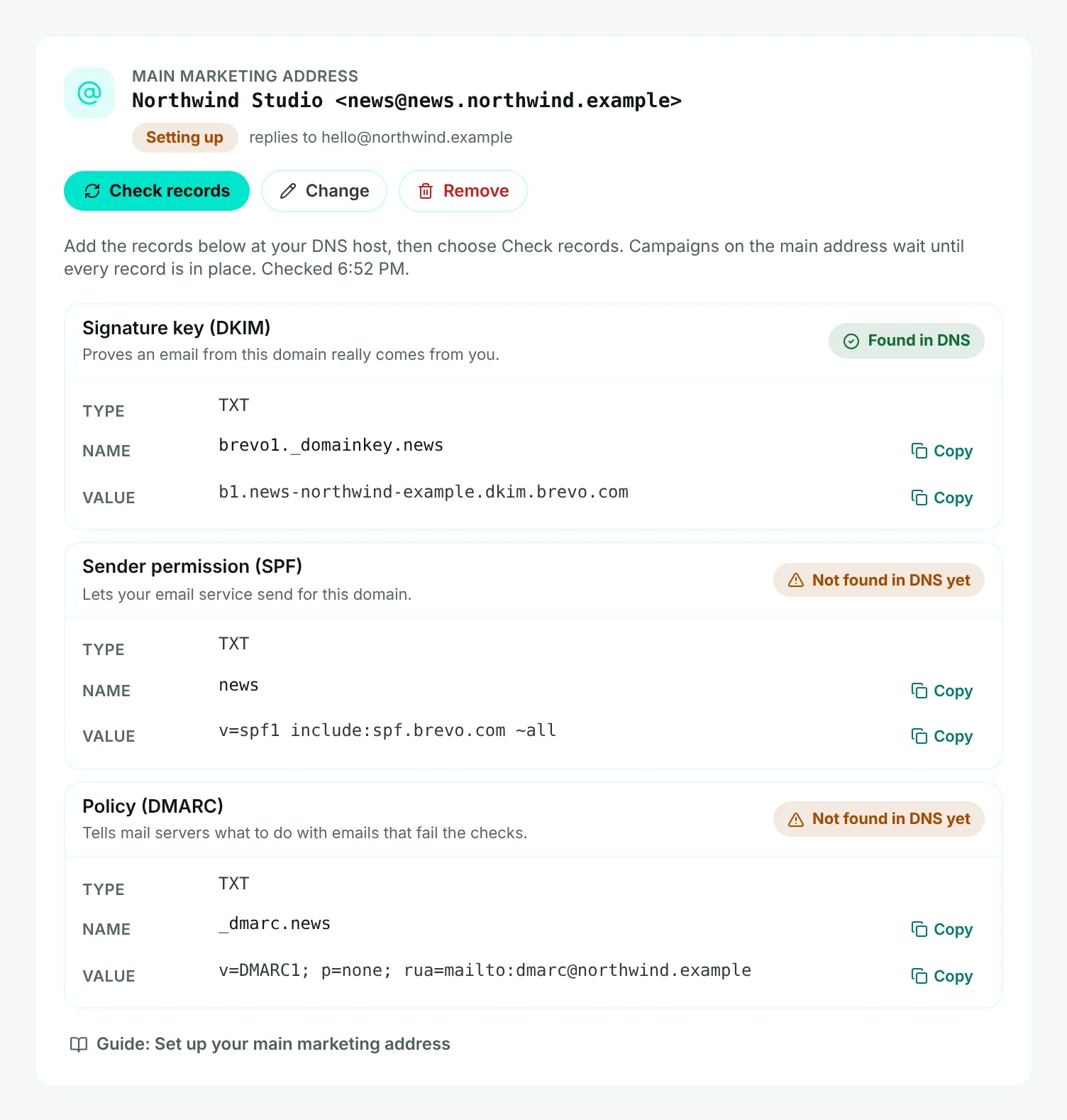
- Mark 1: Setting up - campaigns on the main address wait until every record is in place.
- Mark 2: A record not found yet - add it at your DNS host.
- Mark 3: Check records - checks your DNS and your sending service again.
Watch it
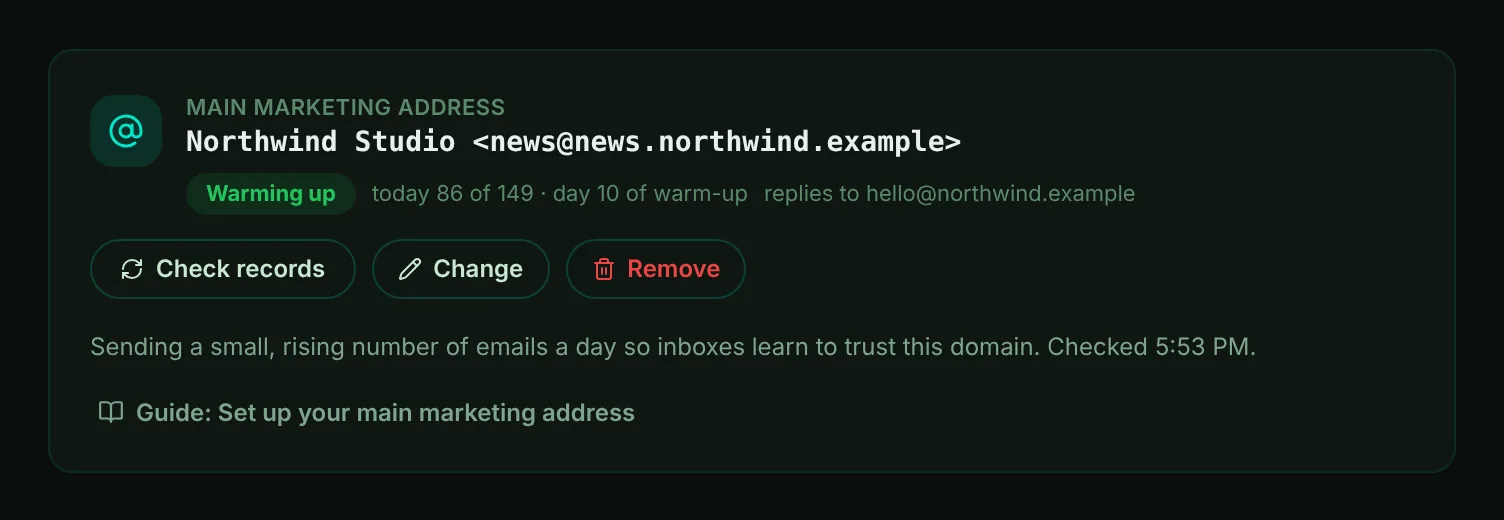
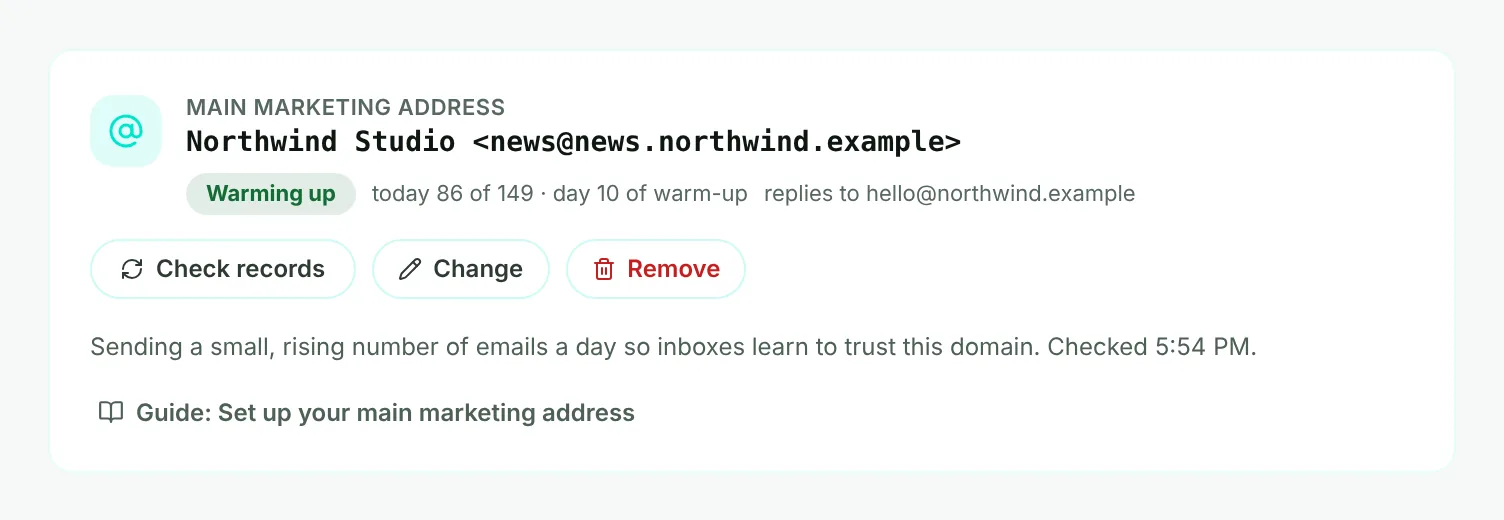
- Mark 1: The name and address people see.
- Mark 2: Its state - Warming up, Ready or Paused.
- Mark 3: Today's sending against today's limit, and the day of its warm-up. At the limit, the rest waits until tomorrow, in your workspace's time zone.
- Mark 4: Change - a new name, From address, reply-to or daily limit. A new domain moves the main address there; the old domain is removed once you confirm.
The main address pauses by itself when bounces pass 3% or spam complaints pass 0.3% over the last 7 days, once at least 50 emails have gone out. Campaigns sending from it pause too, with the reason. Fix the cause - usually the list - choose Resume on the address, then resume each campaign in Marketing, Campaigns.
Once a day, Moirova checks the address's records again by itself. If a record is missing from your DNS - and still missing when it looks again an hour later - the address stops sending, campaigns on it pause with the reason, and your alert address (or your support address) gets one email about it. Put the record back at your DNS host and choose Check records: the address sends again as soon as every record is found. Then resume the paused campaigns in Marketing, Campaigns.
If you set a marketing address before
A marketing address set in the older More settings section is carried over by itself the first time an admin opens Marketing domains, or when the next campaign email is due - with the same domain, From address and name. It is checked again before it sends: if its records are in place it carries on, and if not, add the records shown and choose Check records.
Important
Ticking a domain as verified by hand no longer turns sending on. Only records Moirova has checked do.
More domains to send from
With the Marketing domains add-on, campaigns and journeys can also send from more domains of your own, in turn. The main address never takes one of the add-on's places, and choosing "all marketing domains in turn" in a campaign never includes it.