

At a glance
- One Pulse is one client Pulse watches. Plans include Starter 10, Growth 20, Scale 40, Enterprise 100.
- Switch Pulse on or off from the client's page. Switching off is always allowed and frees the Pulse at once.
- Extra Pulses are $5 each per month. Follow-up credits are a separate monthly allowance.
- If more clients are switched on than your plan has Pulses, Pulse watches the ones switched on first. The others wait - nothing is lost.
Before you start
- Who does it
- Anyone who can edit the client - an admin for every client, a salesperson for their own.
- Where it is
- On a client's page, the Pulse switch next to Edit. The Pulse page shows how many Pulses are in use.
- Your plan
- Pulse is included from the Starter plan, with 10 Pulses, up to 100 on Enterprise.
Switch Pulse on for a client
Open the client and find the Pulse switch at the top of the page. The small number on it is your workspace's Pulses: how many are in use, of how many your plan has.


- Mark 1: The Pulse switch. On means Pulse watches this client every night; off means it does not.
- Mark 2: Your Pulses: in use, of how many your plan has. It updates the moment anyone switches Pulse on or off.
- Open the client. From Clients, open the client you want Pulse to watch.
- Choose Pulse off. It turns to Pulse on, and the count goes up by one. The client's activity notes who switched it on.
- Check the Pulse page tomorrow. After the next nightly run, the client appears on the follow-up list when something needs attention.
When every Pulse is in use
When all your Pulses are in use, switching Pulse on for one more client is refused, and a short note says what to do: switch Pulse off for a client that needs less attention, or add more Pulses.
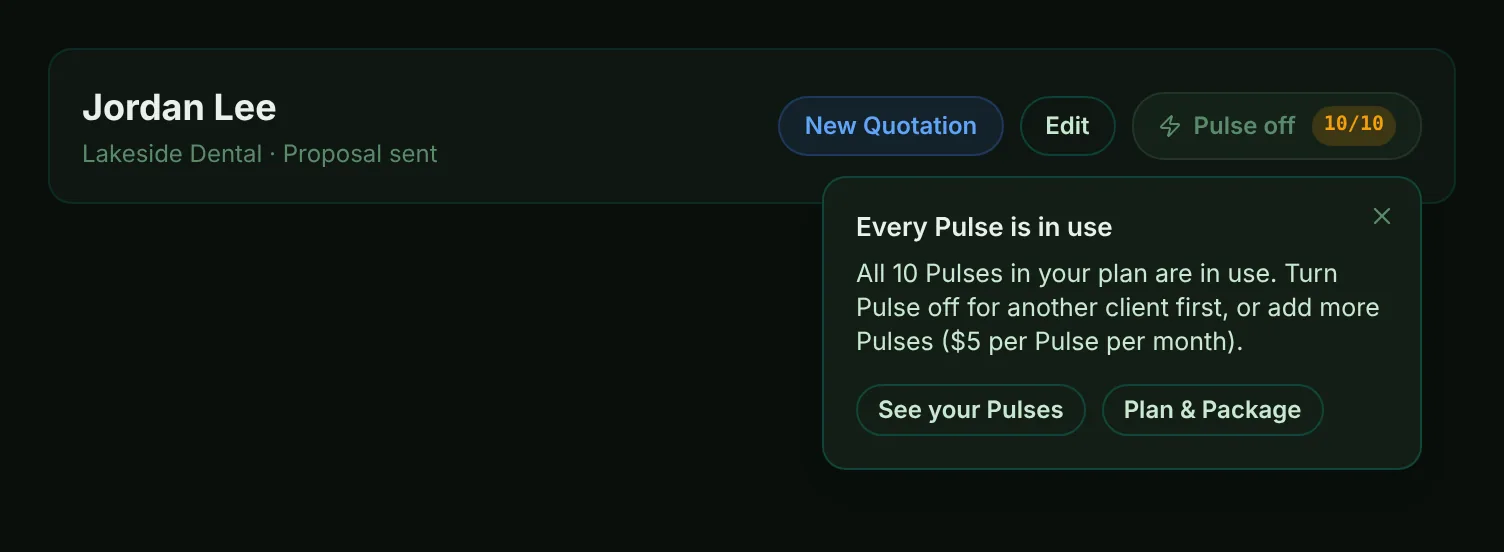
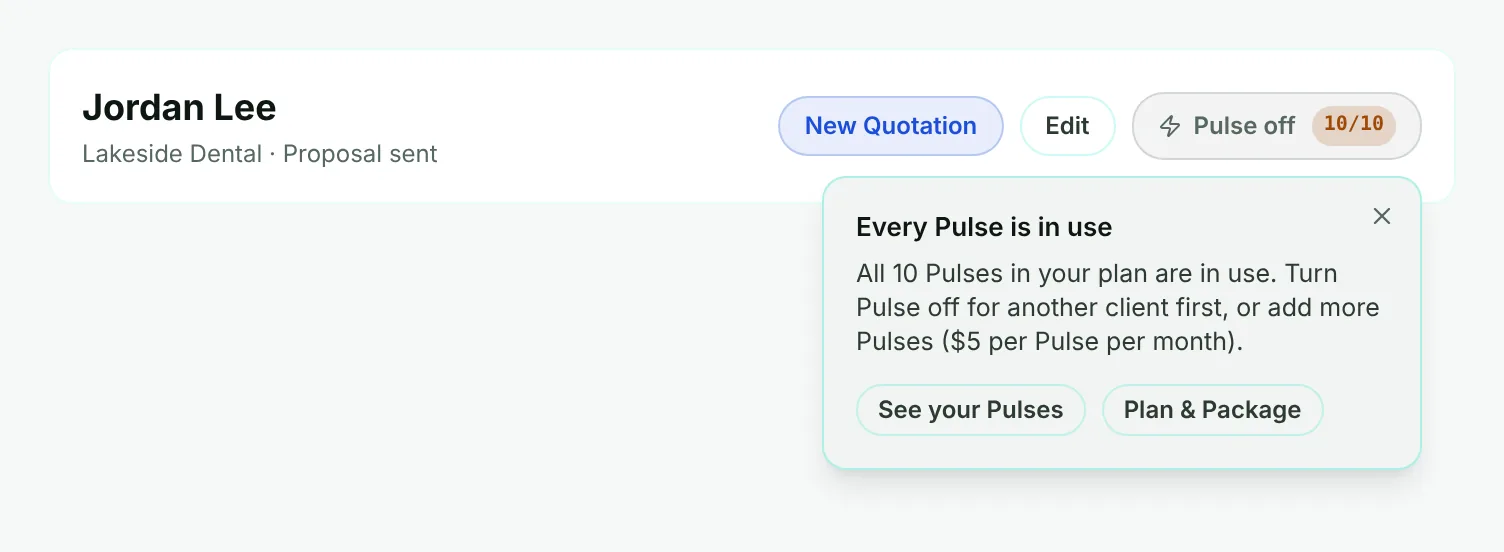
- Mark 1: Every Pulse is in use - the count shows it before you click.
- Mark 2: The note says why the client was not added, in plain words.
- Mark 3: See your Pulses opens the Pulse page; admins also get a shortcut to Plan & Package.
Tip
Switching Pulse off is never refused, even when a workspace has more clients switched on than Pulses - that is how you make room.
See your Pulses
The Pulse page shows your Pulses at the top: how many are in use and of how many. If a plan change left more clients switched on than your plan has Pulses, it says how many clients wait.
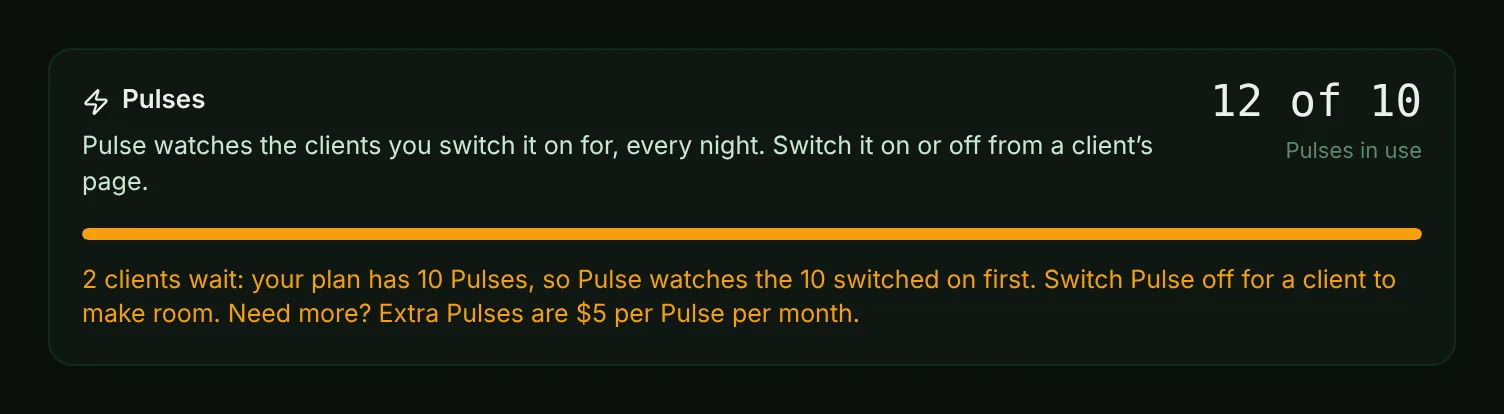
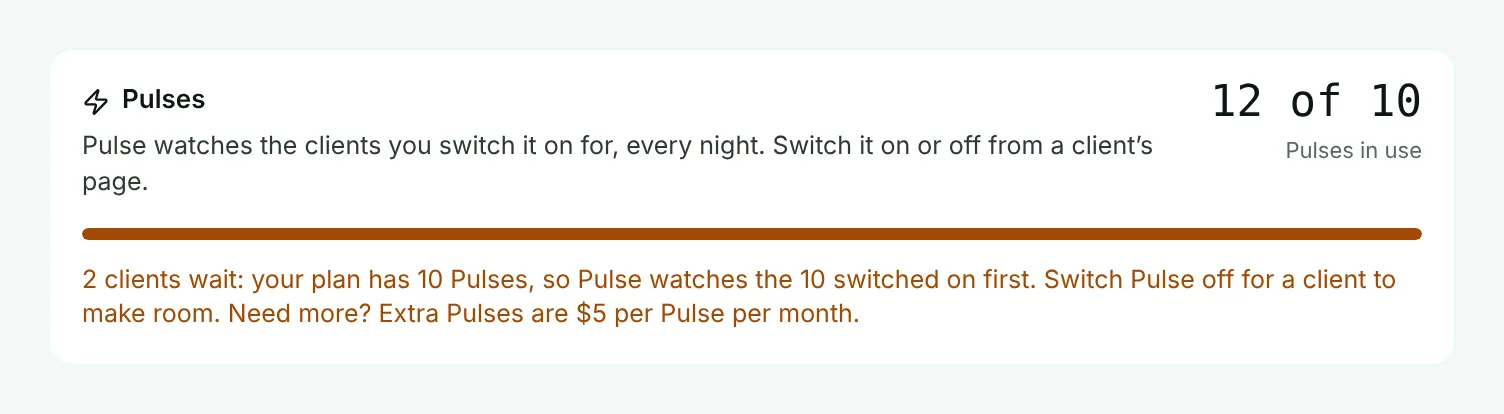
- Mark 1: Pulses in use, of how many your plan has.
- Mark 2: The bar fills as Pulses are used.
- Mark 3: Clients that wait: Pulse watches the clients switched on first, up to your Pulses. Switch some off, or add Pulses, and the others are watched from the next night.
Add more Pulses
Each extra Pulse lets Pulse watch one more client, for $5 a month. A workspace admin sees the plan's Pulses and the price in Admin, then Plan & Package, and can ask for more there. A higher plan also includes more Pulses.
Follow-up credits are separate: they are a monthly allowance in each plan, with their own packs on the Pricing page. Each new follow-up on the Pulse page and each follow-up draft you ask for uses one credit; refreshing a follow-up that is still open is free. When a month's credits are used, new follow-ups wait for the 1st of the next month or for more credits - nothing already on the Pulse page goes away.